 gpu
Traffic simulation on a road graph
Press T in City Drive and the empty streets fill with taxis, SUVs, box trucks and people on the sidewalks. All of it is run by traffic.js, about 300 lines with no pathfinding, no physics and no traffic-light logic. This article explains how those cars choose where to go, avoid running into each other, appear and disappear around you, and get drawn every frame.
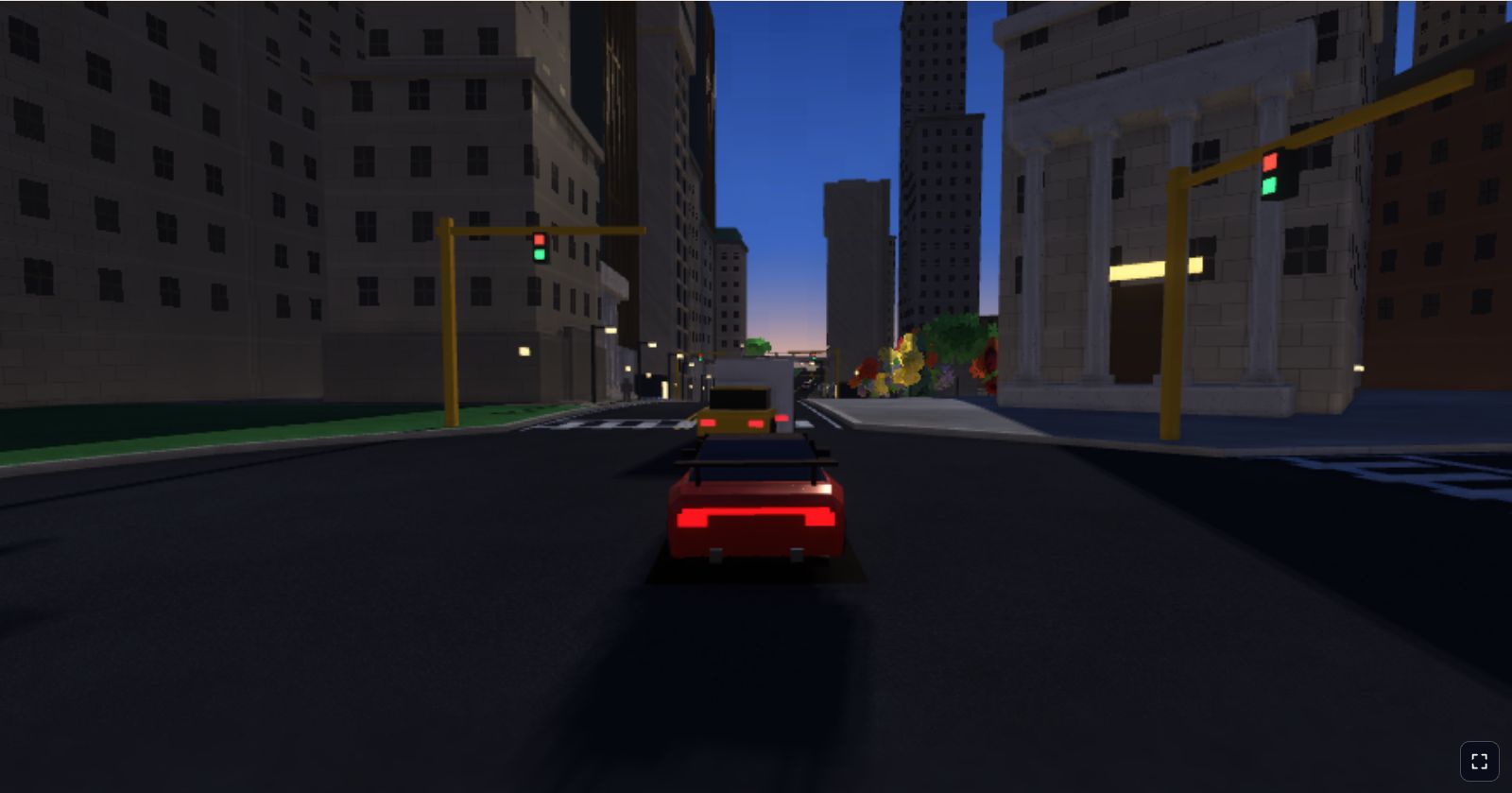
Twelve cars and eight people
The traffic system never creates or destroys objects while you drive. When the world starts, initTrafficAndPedestrians fills two fixed arrays, and those same twenty objects are reused for the rest of the session:
const TRAFFIC_VEHICLE_COUNT = 12;
const PEDESTRIAN_COUNT = 8;

function initTrafficAndPedestrians() {
  state.traffic = Array.from({ length: TRAFFIC_VEHICLE_COUNT }, createTrafficVehicle);
  state.pedestrians = Array.from({ length: PEDESTRIAN_COUNT }, createPedestrian);
}
Each actor starts hidden, parked 50 metres underground, and a hidden actor tries to respawn every frame. Twelve cars sounds like very few, but they are only ever placed on the streamed roads around you; in a 30 second drive I logged, none was hidden at any point.
The per-frame update is short enough to quote whole:
function updateTrafficAndPedestrians(dt) {
  for (const vehicle of state.traffic) {
    vehicle.speed = vehicle.baseSpeed;
    slowBehindConvoyLeader(vehicle, state.traffic);
    yieldToPlayerCar(vehicle, state.car);
    updateVehicle(vehicle, dt);
  }
  for (const pedestrian of state.pedestrians) updatePedestrian(pedestrian, dt);
}
Notice the first line inside the loop. Every frame, a car's speed is reset to its preferred baseSpeed and then only ever reduced. There is no acceleration and no memory, so the system cannot get into a bad state, at the cost of cars that can stop instantly.
Driving on the road graph
The city is a graph that grows as you drive (the procedural city article explains how). An edge is a road between two junctions, stored as nodes every 4.2 metres, each with a position, a heading and a sideways "right" vector. A junction has arms pointing at the edges that leave it, and each edge knows its junctions ja and jb.
So a car needs only an edge, a position along it in segments (12.5 means halfway between nodes 12 and 13) and a direction. Moving is one line, and placing the car is two helper calls:
vehicle.edgePosition += (vehicle.travelDirection * vehicle.speed * dt) / SEG_LENGTH;
if (vehicle.edgePosition >= vehicle.edge.segmentCount || vehicle.edgePosition <= 0) {
  beginVehicleCrossing(vehicle);
  return;
}
if (!isSegmentStreamed(vehicle.edge, vehicle.edgePosition)) {
  respawnVehicle(vehicle);
  return;
}
const sample = sampleEdge(vehicle.edge, vehicle.edgePosition);
const lanePoint = lanePointOnNode(sample, vehicleLaneOffset(vehicle, sample.info) * vehicle.travelDirection);
const heading = vehicle.travelDirection > 0 ? sample.heading : sample.heading + Math.PI;
placeVehicleOnTerrain(vehicle, lanePoint, heading);
sampleEdge linearly interpolates position, right vector and heading between the two nodes either side. lanePointOnNode moves sideways by the lane offset, and multiplying it by travelDirection keeps every car on its own right. placeVehicleOnTerrain takes height and pitch from the terrain; roll is always zero.
That is the whole driving model: a bead sliding along a wire. An AI car cannot leave its lane or overshoot a bend, because it has no position of its own, only a place on the road.
Vehicle types and lanes
Each pooled car rolls a type once, when it is created, and keeps it:
| Type | Chance | Size (w × l × h) | Preferred speed |
|---|---|---|---|
| Sedan | 42% | 1.92 × 4.25 × 1.38 m | 14 to 30 m/s |
| SUV | 34% | 2.05 × 4.65 × 1.68 m | 13 to 27 m/s |
| Truck | 24% | 2.28 × 6.6 × 2.45 m | 11 to 21 m/s |
48% of sedans are taxi yellow, roughly one car in five overall. Preferred speed is fixed per car, so a slow truck builds a queue behind it, which looks far more natural than uniform speeds.
A lane is one number: LANE_OFFSET (2.45 metres) plus up to 22 cm of jitter, or a fixed 4.65 metres on a wide boulevard. There is one lane per direction, so cars never change lanes or overtake.
Turning at junctions
When edgePosition runs off either end of the edge, the car has reached a junction and beginVehicleCrossing decides where to go next. There is no route. It picks a random arm, never the road it came in on (no U-turns) and only one whose first segment has finished building:
const exitArms = junction.arms.filter(arm => arm.edge && arm.edge !== vehicle.edge &&
  isSegmentBuilt(arm.edge, arm.end === "a" ? 0 : arm.edge.segmentCount - 1));
if (!exitArms.length) {
  respawnVehicle(vehicle);
  return;
}
const exitArm = pickRandom(exitArms);
The path across the junction is a quadratic Bézier curve. It starts at the car's lane point on the last node of the old road, ends at the matching lane point on the first node of the new road, and uses the junction centre as its middle control point. Progress runs from 0 to 1, advanced by speed over an estimated path length (the two straight legs via the centre). Cars cross at 60% of their speed, facing along the curve's tangent:
crossing.progress += (vehicle.speed * JUNCTION_CROSSING_SPEED_FACTOR * dt) / crossing.pathLength;
...
const tangent = quadraticBezierTangent(crossing.path, crossing.progress);
placeVehicleOnTerrain(vehicle, quadraticBezierPoint(crossing.path, crossing.progress), Math.atan2(-tangent.x, -tangent.z));
The dots stand for the block that hands the car over to its new edge once progress reaches 1.
There is no right of way. Crossing cars do not check for each other, so two can pass through each other on the pad, though with twelve cars spread over hundreds of metres it is rare.
Keeping a gap
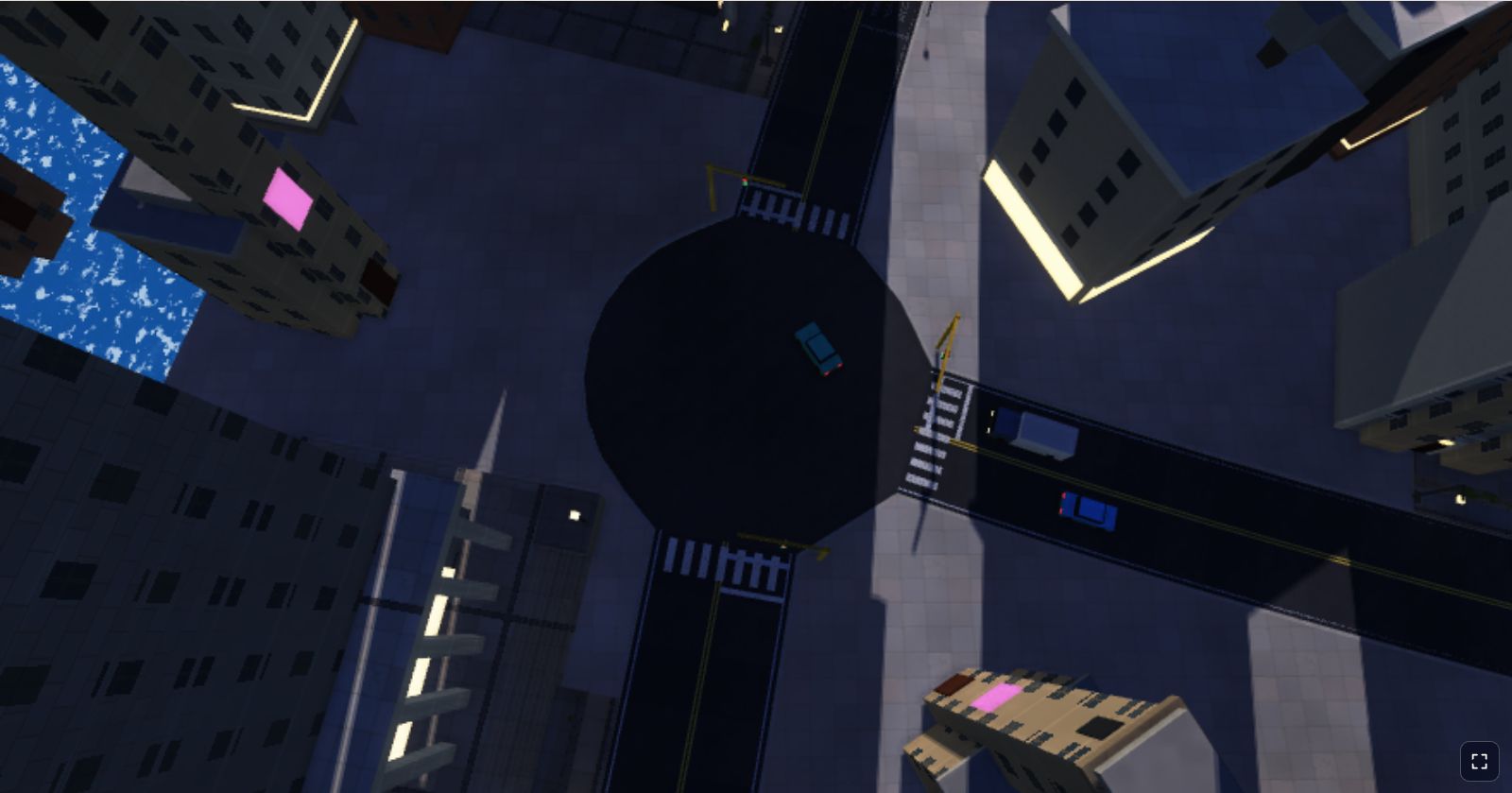
Two rules stop cars driving through each other on the road. The first is a convoy rule. A car looks for another car on the same edge, going the same way, less than 6.5 segments (27.3 metres) ahead. If it finds one, it drives at no more than 90% of that car's speed:
const gapAheadSegments = (other.edgePosition - vehicle.edgePosition) * vehicle.travelDirection;
if (gapAheadSegments > 0 && gapAheadSegments < CONVOY_GAP_SEGMENTS) {
  vehicle.speed = Math.min(vehicle.speed, other.speed * CONVOY_SPEED_FACTOR);
}
Cars on the same edge are already in one dimension, so this is a subtraction, not geometry. Driving slower than the leader opens the gap, the rule switches off and the follower speeds up again: a gentle concertina.
The second rule involves you. distanceAheadInLane checks whether a point is within 18 metres ahead and 2.4 metres sideways, which is roughly "in my lane, close in front". followingSpeedBehind then turns the gap into a safe speed:
function followingSpeedBehind(leaderSpeed, gapMeters, stopGapMeters) {
  if (gapMeters <= stopGapMeters) return 0;
  return Math.max(0, leaderSpeed) + (gapMeters - stopGapMeters) * FOLLOW_SPEED_PER_METER_OF_GAP;
}
The safe speed is the leader's speed plus 1.6 m/s for every metre of gap beyond a 7 metre stopping distance (measured centre to centre). yieldToPlayerCar calls it with a leader speed of zero, so an AI car that finds you parked in its lane slows as it closes in and stops 7 metres behind you. The same function runs the other way when Zen steer is on: keepDistanceFromTrafficAhead uses the AI car's speed as the leader speed, so your car settles into following it. In my test drive with cruise and Zen steer on, the nearest AI car sat about 7 metres away for most of the run.
| Gap to the car ahead | Safe speed (stationary leader) |
|---|---|
| 7 m or less | 0 m/s |
| 10 m | 4.8 m/s |
| 14 m | 11.2 m/s |
| Just under 18 m | About 17.6 m/s; at 18 m and beyond the rule does not apply |
Spawning around the player
Where should a car appear? Not in view right in front of you, and not on a road the renderer has not built. pickSpawnSegment answers both questions with a list the world streamer already keeps. The streamer decides which road segments to build by walking outward along the graph from the car, cheapest first. Every segment it chooses has a cost: one per metre of road ahead of you, but 2.6 per metre behind you, so the visible world reaches much further forwards than backwards. Nearby roads within 140 metres are seeded into the walk at their straight-line distance. (The streaming article covers the walk in detail.)
function pickSpawnSegment(spawnRange) {
  const car = state.car;
  const candidates = visibleStreamItems().filter(item => {
    if (!item.edge || item.cost < spawnRange.min || item.cost > spawnRange.max) return false;
    const node = item.edge.nodes[item.segmentIndex];
    return Math.hypot(node.x - car.x, node.z - car.z) >= spawnRange.minDistanceFromCar;
  });
  return candidates.length ? pickRandom(candidates) : null;
}
Cars use a cost window of 70 to 520 and must be at least 45 metres away in a straight line. A chosen car is placed in the middle of that segment, facing a random direction. In practice the upper limit of 520 is never reached. The streamer stops at 180 segments, and in my logged drive the most expensive visible segment had a cost between 205 and 382. So cars really appear from about 70 metres up to the edge of the streamed world ahead, and from 45 metres to somewhere between 80 and 150 metres behind.
Despawning needs no distance check at all. A car that drives onto a segment that is no longer streamed, because you have driven away from it, is respawned somewhere new straight away. So is a car that reaches a junction with no finished exits. The pool is continually recycled from behind you to in front of you, which keeps the twelve cars where you will see them. Spawning uses Math.random rather than the world seed, so traffic is different every run even in the same city.
Pedestrians
Pedestrians use the same edge-and-position idea, with a lateral offset instead of a lane. They spawn in a closer window (cost 25 to 320, at least 18 metres away), on a sidewalk 0.95 metres beyond the road edge, and walk at 1.55 to 2.7 m/s. On spawning, 55% of them become crossers:
if (pedestrian.crossing) {
  pedestrian.lat += pedestrian.dirLat * pedestrian.walkSpeed * dt;
  if (pedestrian.lat > sidewalkLat) { pedestrian.lat = sidewalkLat; pedestrian.dirLat = -1; }
  else if (pedestrian.lat < -sidewalkLat) { pedestrian.lat = -sidewalkLat; pedestrian.dirLat = 1; }
  return;
}
pedestrian.lat = (pedestrian.lat >= 0 ? 1 : -1) * sidewalkLat;
pedestrian.edgePosition += (pedestrian.alongDir * pedestrian.walkSpeed * dt) / SEG_LENGTH;
A crosser walks from one sidewalk to the other and back again, indefinitely, until its segment stops being streamed. Everyone else walks along the sidewalk and respawns when they reach the last half segment before a junction. Crossers are what make Zen steer brake for people: keepDistanceFromTrafficAhead treats them as stationary leaders with a 4 metre stopping gap. If you drive into one manually, your car simply stops dead, as the car physics article describes.
Drawing them every frame
None of the traffic uses instancing or a separate pipeline. Each frame, uploadDynamicDriveMesh rebuilds one array of triangles on the CPU, containing the lake surface, the player's car, the visible traffic, the pedestrians and any particles, and copies it into the GPU with a single writeBuffer:
function uploadDynamicDriveMesh(car, renderer, biome) {
  const visibleTraffic = state.trafficEnabled ? state.traffic.filter(vehicle => vehicle.mode !== "hidden") : [];
  const visiblePedestrians = state.trafficEnabled ? state.pedestrians.filter(pedestrian => !pedestrian.hidden) : [];
  const groundVertexCount = pushLakeSurface(dynamicCarBuffer, 0, car, biome.waterColor || LAKE_FALLBACK_COLOR);
  const vertexCount = buildCarAndParticlesMesh(car, visibleTraffic, visiblePedestrians, particles, dynamicCarBuffer, state.cameraMode, groundVertexCount);
  renderer.uploadDynamicMesh(dynamicCarBuffer, vertexCount);
  return { groundVertexCount, vertexCount };
}
Every AI car is built from boxes in world space. A sedan or SUV is a body box, a glass cabin box and a roof box; a truck is a coloured cab, a glass windscreen and a pale cargo box. Each also gets two headlights and two tail lights using the glowing material, four wheel boxes rotated by wheelSpin, and a dark quad underneath as a cheap contact shadow. That comes to 134 triangles, and the constant TRAFFIC_VEHICLE_FLOAT_HEADROOM reserves exactly that much space before each car is added, so a full buffer drops whole cars rather than overflowing. A pedestrian is six boxes and a shadow quad, 74 triangles, with legs and arms swinging by sin(walkPhase).
I measured the real sizes in the browser:
| Part of the dynamic mesh | Vertices |
|---|---|
| Lake surface | 600 |
| Player's car | 3,738 |
| One AI car | 402 |
| One pedestrian | 222 |
| Full scene: 12 cars and 8 people | 10,938, about 656 KB at 60 bytes per vertex |
The buffer has room for 16,200 vertices, at the end of the same vertex buffer that holds the 180 streamed road pieces. Rebuilding the player's car, the traffic, the people and the particles took about 0.38 ms in headless Chrome on an Apple-silicon Mac, and a traffic update about 9 microseconds. Uploading 656 KB a frame sounds wasteful, but it is one copy, and it buys complete freedom: no per-car uniforms, no instance buffers and no extra pipelines.
On the GPU side, drawWorldMeshes draws all the cars, people and particles with one pass.draw call, using the same pipeline and shaders as the buildings. The same function is used by the depth pre-pass, the main pass and, when it runs, the sun shadow pass, so AI cars get real shadows and lighting with no extra code.
The T key
Traffic starts switched off. T, or the Traffic button, runs toggleTrafficAndPeople, which flips state.trafficEnabled, updates the button, and clears any collision warning when switching off. Everything else follows from checks of that one flag elsewhere:
updateSimulationonly callsupdateTrafficAndPedestrianswhen it is on.uploadDynamicDriveMeshpasses empty lists to the mesh builder when it is off, so nothing is drawn.- The player's collision tests against vehicles and pedestrians, and Zen steer's following rule, are skipped when it is off.
Switching off does not reset anything. Every car freezes where it was, invisible. Switch traffic back on and they carry on from those spots; any car whose road has since been unloaded respawns near you on the next frame, because the streamed-segment check runs before it is placed.
Key takeaways
- An AI car is an edge, a position along it and a direction. Turning that into a world position is two interpolations.
- Recompute speed from scratch every frame: start at the preferred speed and only ever reduce it.
- Junctions need only a random exit and one quadratic Bézier curve through the centre.
- One gap rule, leader speed plus 1.6 m/s per metre beyond 7 metres, serves AI cars yielding to you and you following them.
- Reuse the streamer's cost-ranked segment list to spawn just out of sight, and respawn whenever a car leaves the streamed roads.
- Rebuilding a few thousand vertices on the CPU each frame and drawing them in one call is simple and fast enough.
Limitations
The system is deliberately small, and it shows in places:
- No acceleration. Because speed is recomputed each frame, an AI car that suddenly finds you in front of it can drop from cruising speed to a standstill in one frame.
- No right of way. Crossing cars ignore each other, and the convoy rule only applies on the same edge, so cars can overlap on a junction pad.
- AI cars ignore pedestrians. Only the player's car brakes for people. AI cars drive through crossers.
- Uneven crossing speed. Bézier progress is not proportional to distance travelled, and the path length is the length of the two straight legs, so cars move at slightly varying speed through a turn.
- Random routes. Exits are random, so a car can turn left at one junction and right at the next. There is no route, no destination and no traffic signal logic, even though the scenery has traffic lights.
None of these were worth fixing for a relaxing drive. Twelve cars that never need debugging, never leave their lanes and always stay near you do more for the feeling of a living city than a few hundred cars with real behaviour would. To see them, play City Drive and press T.