 gpu
City Drive
An endless city, generated as you drive. Downtown towers give way to suburbs, parks and the waterfront, with live traffic on every street.
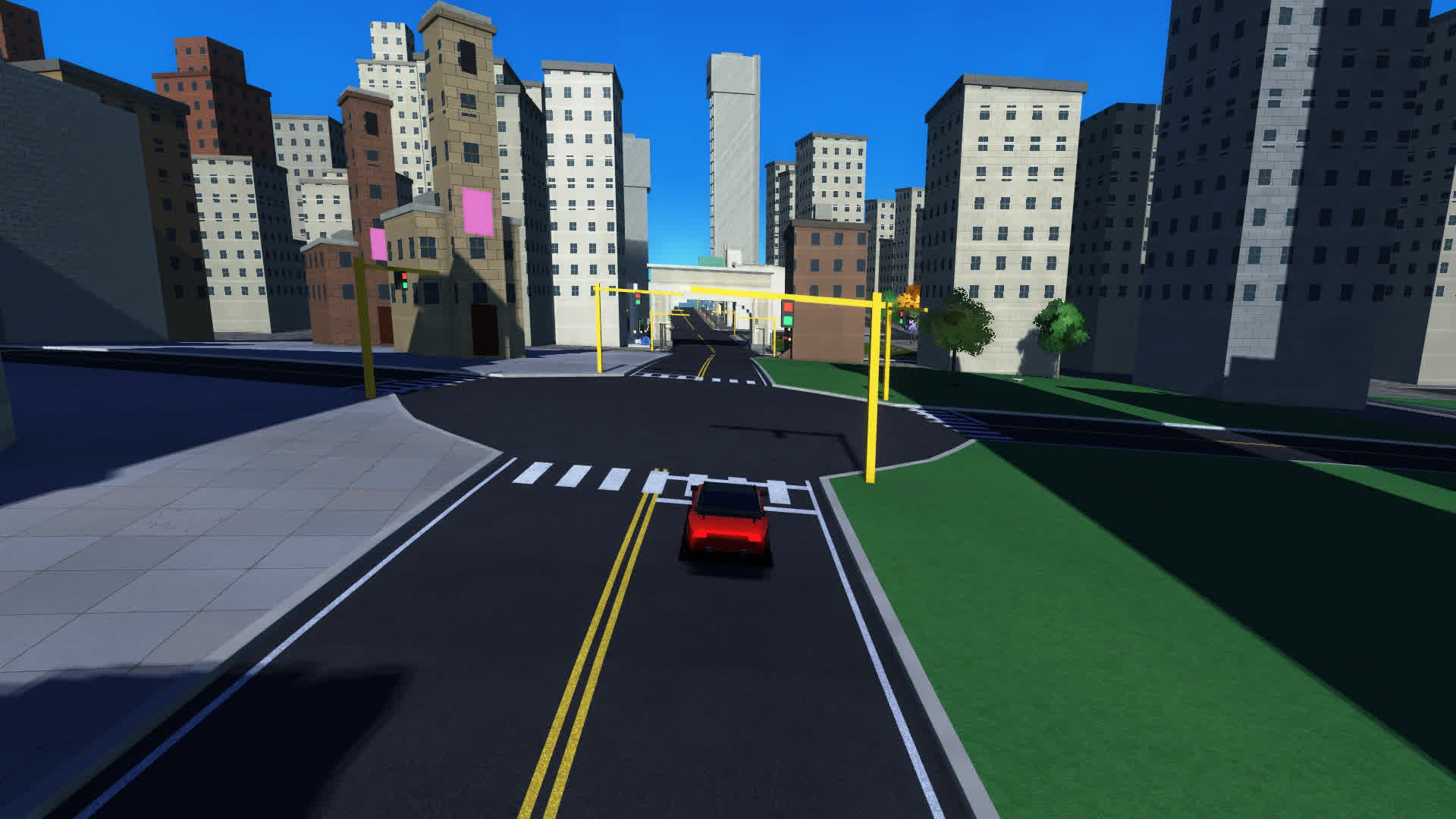
Needs a browser with WebGPU: recent Chrome, Edge or Safari, or Firefox on Windows. A laptop with a dedicated or modern integrated GPU is recommended.
Controls
| Key | Action |
|---|---|
| W / ↑ | Accelerate |
| S / ↓ | Brake and reverse |
| A D / ← → | Steer |
| Space | Handbrake |
| C | Cycle camera: chase, action, hood, heli |
| Z / X | Auto-steer / cruise hold |
| Q / E | Turn left / right at the next junction |
| B | Change biome |
| T | Toggle traffic and people |
| R | Reset car to the road |
| F / Esc | Enter / leave full screen |
| H | Hide the HUD |
| M | Sound on or off |
| K | Cool mode: 30 fps, lighter rendering |
| V / N | Start / stop recording a gameplay clip |
On a phone, swipe on the screen to steer and brake.
How it's built
City Drive is plain JavaScript and WGSL with no engine or library underneath. The world is a road graph that grows around the car; a Web Worker builds the buildings, trees and street furniture for each new block so the main thread only has to draw. Shadows come from a sun shadow map, and a post-processing pass finishes each frame.
The articles take each of these systems apart in detail.